Captions & Music
By the end of this lesson you will know how to add automatic captions and background music to any video — two features that immediately make a video look professional.
Add auto-captions
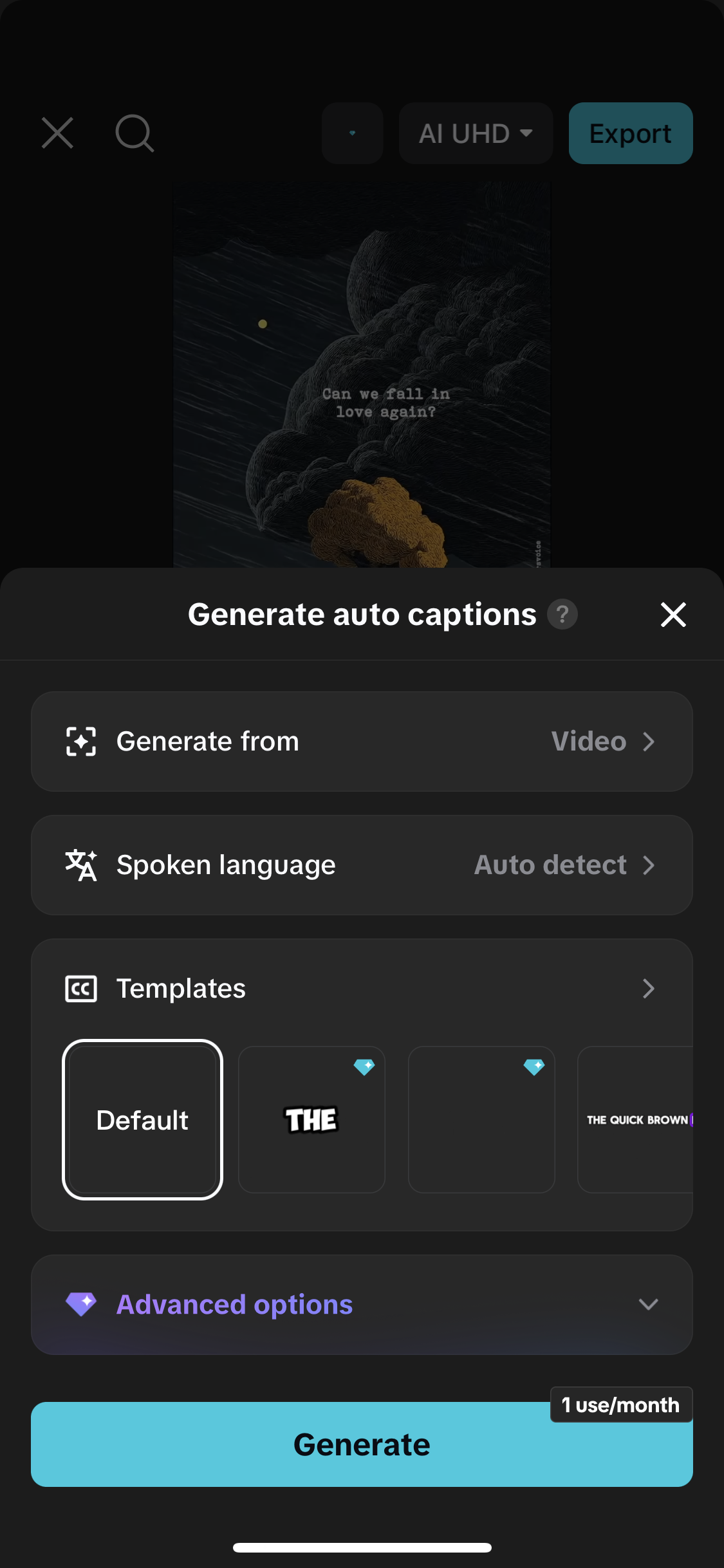
Open your project in CapCut. Tap "Text" in the toolbar at the bottom. Tap "Auto captions". CapCut will listen to the audio in your video and automatically generate subtitles. This takes about 10–20 seconds. When it is done, tap "Keep all" to add all the captions. You can tap on any individual caption to edit the text if CapCut made a mistake. Auto-captions make videos accessible to people watching without sound — which is most people scrolling Instagram.
Style your captions
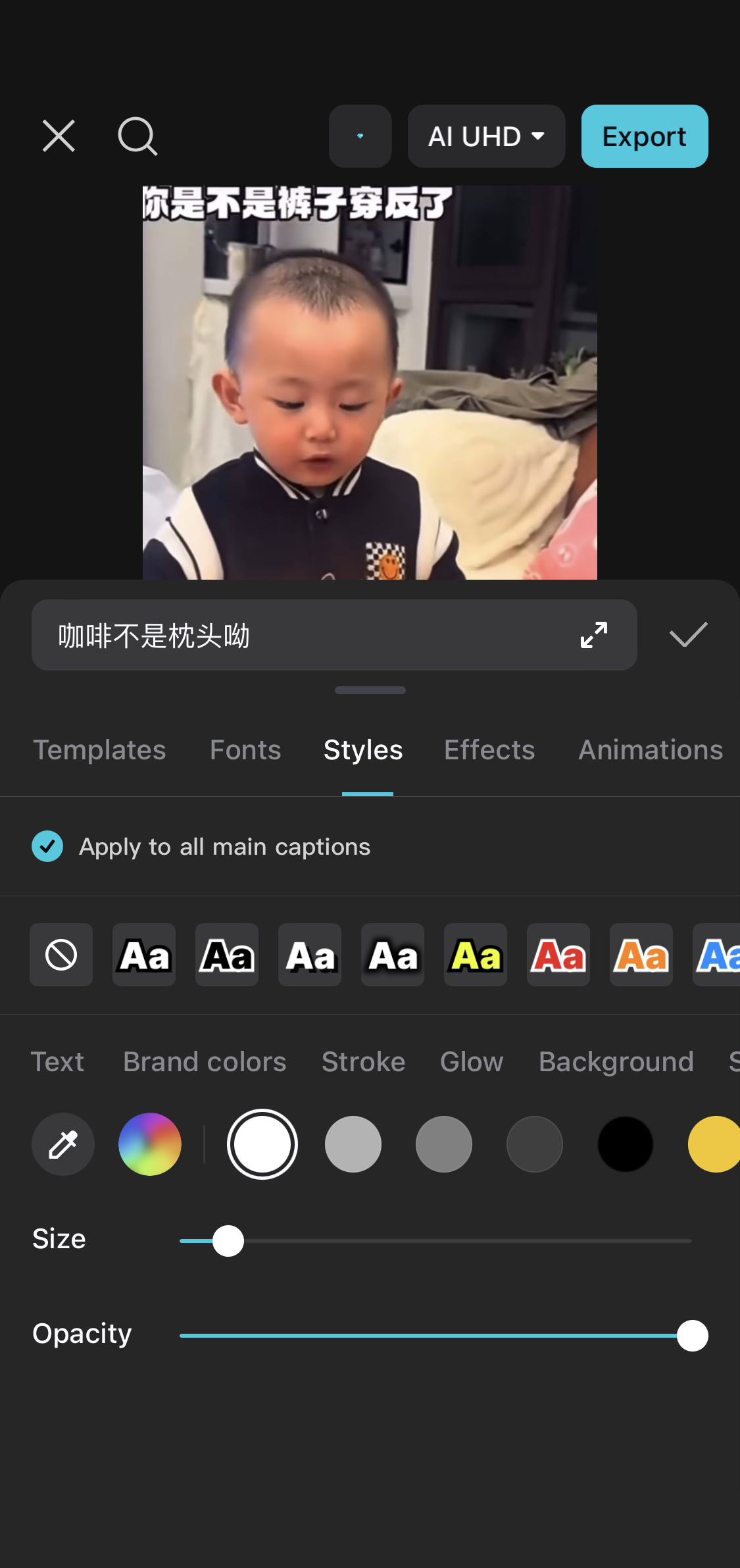
Tap on any caption text on screen. A text formatting menu will appear. Change the font to something bold and readable. Add a background colour behind the text (black or white works best) so it is readable on any background. Keep the font size large enough to read on a small phone screen. Consistency matters — make all captions look the same by tapping "Apply to all" after styling one.
Add background music
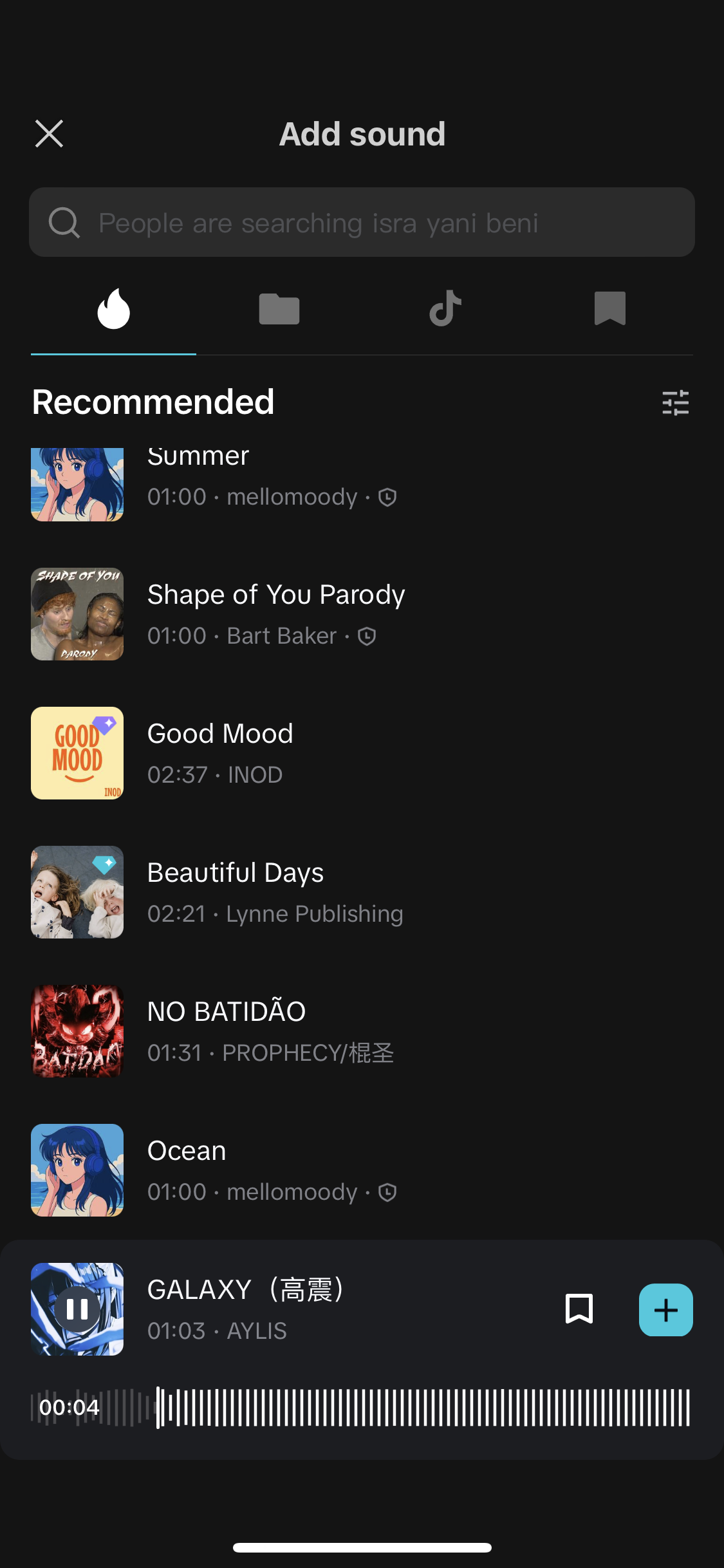
Tap "Audio" in the toolbar, then "Music". CapCut has a huge library of royalty-free music — music you can use in videos without copyright problems. Browse by mood: "Upbeat" for product videos and events, "Cinematic" for emotional stories, "Chill" for lifestyle content. Tap the play icon on any track to preview it. Tap the "+" to add it to your video. The music will appear as a separate track in your timeline.
Balance music and voice volume
If your video has someone speaking, you do not want the music to drown out the voice. Tap on the music track in the timeline. Tap "Volume". Set the music volume to around 20–30%. The voice should always be the loudest thing in the video. Tap on the original video track and set that volume to 100%. Listen through once with headphones before exporting.
Take any video on your phone — even an old one. Add auto-captions to it. Add a piece of CapCut's free music. Set the music volume to 25%. Export it. Watch the difference between the original and your edited version. This is what clients are paying for.