Social Media Posts
By the end of this lesson you will know how to create Instagram and Facebook posts that look professional, the right sizes to use for each platform, and how to batch-create multiple posts for a client.
Use the right size for every platform
Different platforms need different sizes. Getting this wrong means your design gets cropped and looks unprofessional. Instagram feed post: 1080 x 1080px (square) or 1080 x 1350px (portrait). Instagram Story / WhatsApp Status: 1080 x 1920px. Facebook post: 1200 x 630px. Twitter/X post: 1600 x 900px. In Canva, tap "Create a design" and search for the platform name — Canva has all these sizes pre-built. Always start with the right size.
Use Canva's brand kit for clients
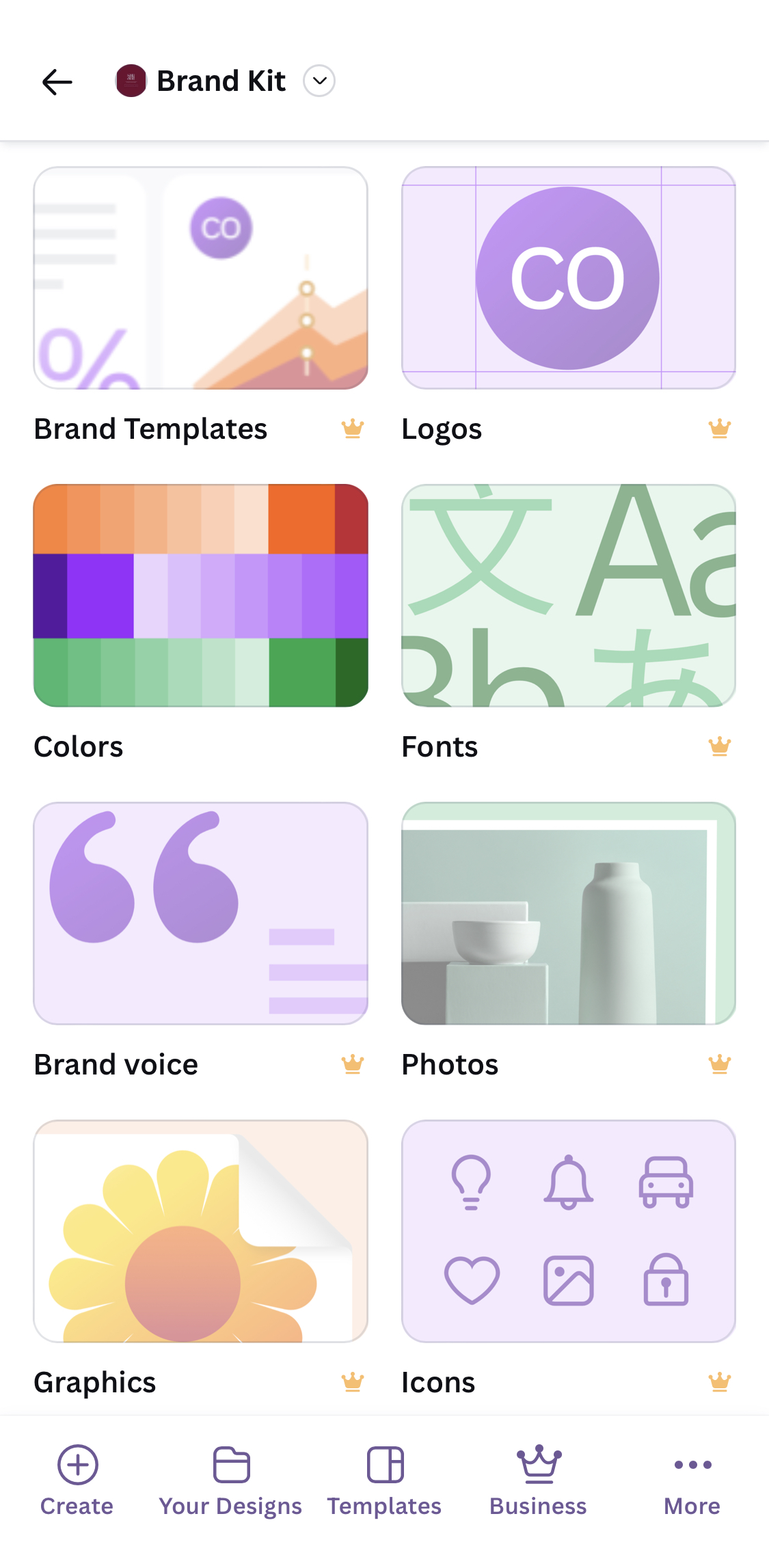
When you are working for a business, you need to use their colours and logo consistently. In Canva, you can save a "Brand Kit" — the business's exact colours, fonts, and logo. Every time you create a new design for them, the brand is already there. This is how professional designers work. It saves time and makes everything look consistent. Ask your client for their logo file and their brand colours (most businesses know their colours even if they cannot describe them — just ask "what colour is your sign?").
Create a set of 3 posts at once
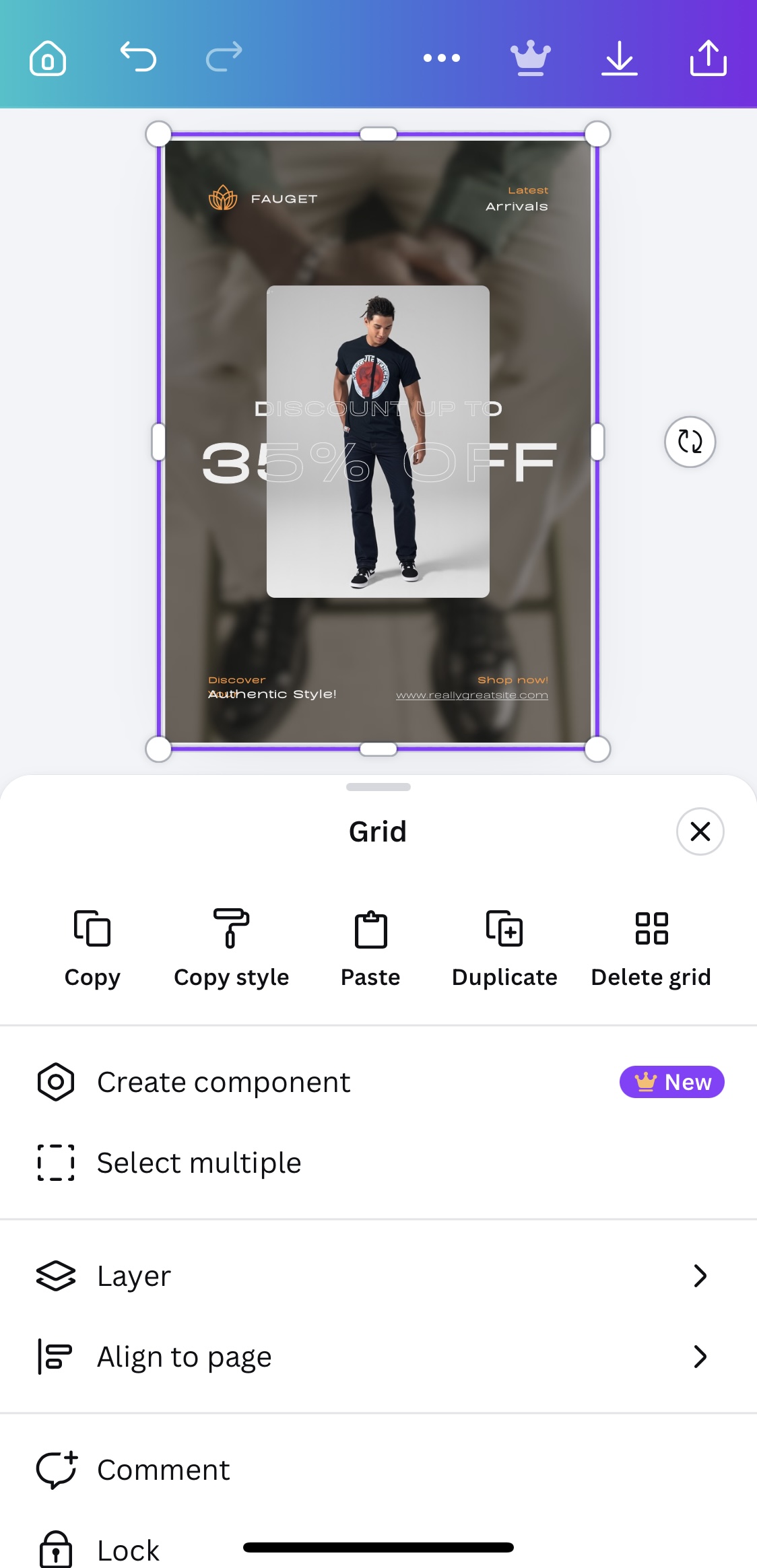
Social media managers often create multiple posts in one session. In Canva, after you finish one design, tap the page area and select "Duplicate page". Now you have an identical copy. Change the text, change the image, keep the colours and fonts the same. Do this 3 times and you have 3 posts that all look like they belong together. This consistency is what makes a business's Instagram page look professional.
Download all posts at once
When your 3 posts are ready, tap the share/download button. Select "Download all pages" instead of just the current page. Canva will download all 3 designs as separate image files. Rename them clearly before sending to your client — "Lagos_Grill_Post_1.png", "Lagos_Grill_Post_2.png", "Lagos_Grill_Post_3.png". Professional delivery matters as much as the design itself.
Find a small Lagos business with a weak Instagram presence — a local restaurant, a fashion brand, a hair salon. Create 3 Instagram posts for them (use your imagination for the content). Make all 3 posts look consistent — same colours, same font, same energy. This is your first portfolio piece.