Flyers & Posters
By the end of this lesson you will know how to pick the right canvas size, use the best templates for Nigerian events, and make a flyer that looks like a professional made it.
Pick the right size first
Before choosing a template, think about where the design will be used. For printing (church programmes, event posters): use A4 size. For WhatsApp and Facebook: use 1080 x 1080px (square post). For Instagram stories or WhatsApp Status: use 1080 x 1920px (story). In Canva, tap "Create a design" and you will see these size options listed. Pick the right one before you start — changing size after designing is messy.
Search with Nigerian keywords
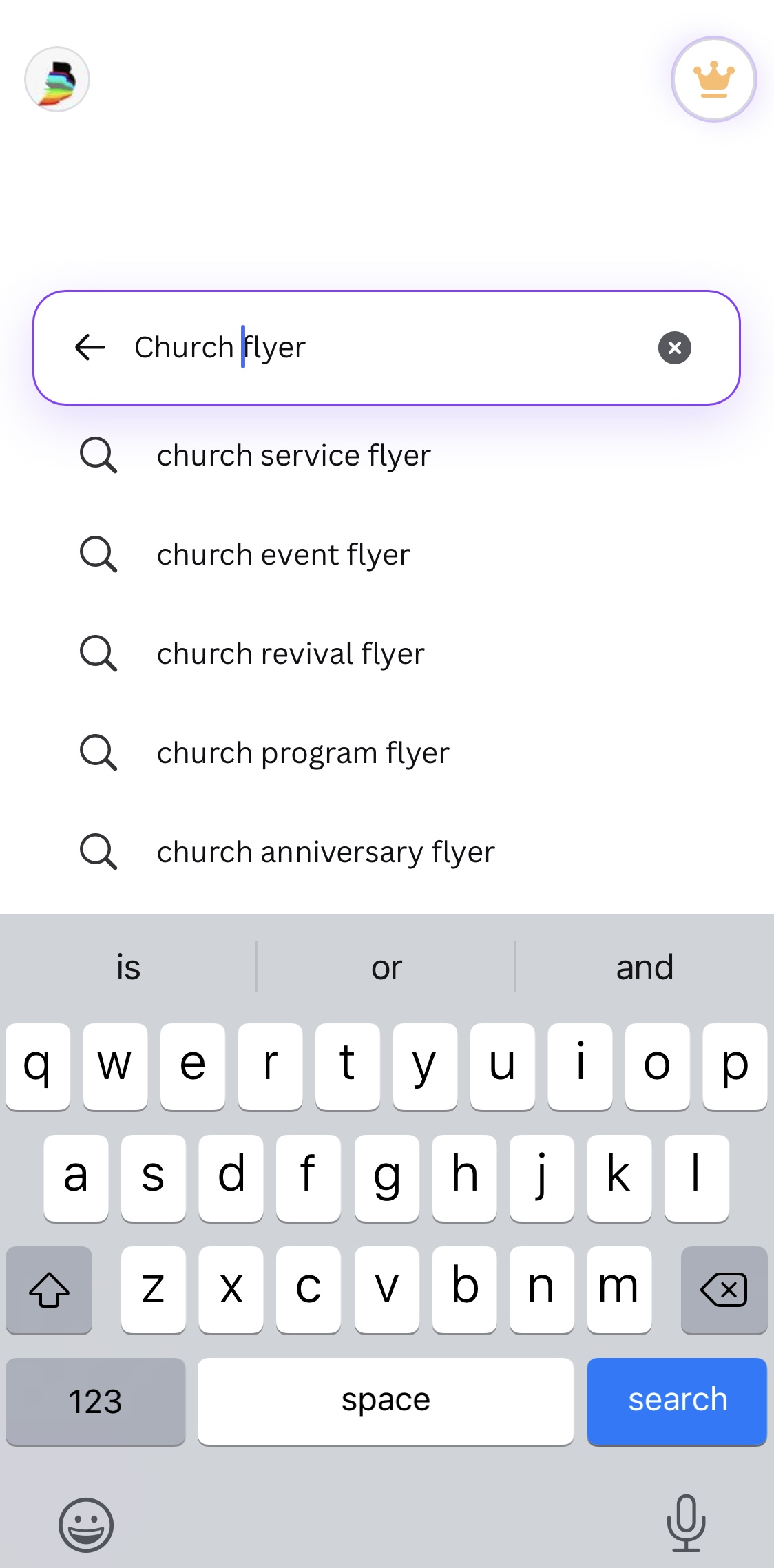
Canva's search understands context. Instead of searching "flyer", try "church flyer", "birthday party flyer", "graduation flyer", or "event poster". The results will be much closer to what you actually need. Try searching "Owanbe party flyer" or "Nigerian wedding invitation" — you will find templates that already match the style and energy of Nigerian events.
Make it readable from a distance
A good flyer works even when someone sees it quickly on their phone screen or on a wall. The event name should be the biggest thing on the page. The date and location should be easy to find at a glance. Never use more than 2 different fonts on one flyer. Never put dark text on a dark background — it becomes invisible. If you are not sure if something is readable, hold your phone at arm's length and look at it. If you have to squint, the text is too small.
Replace template images with your own
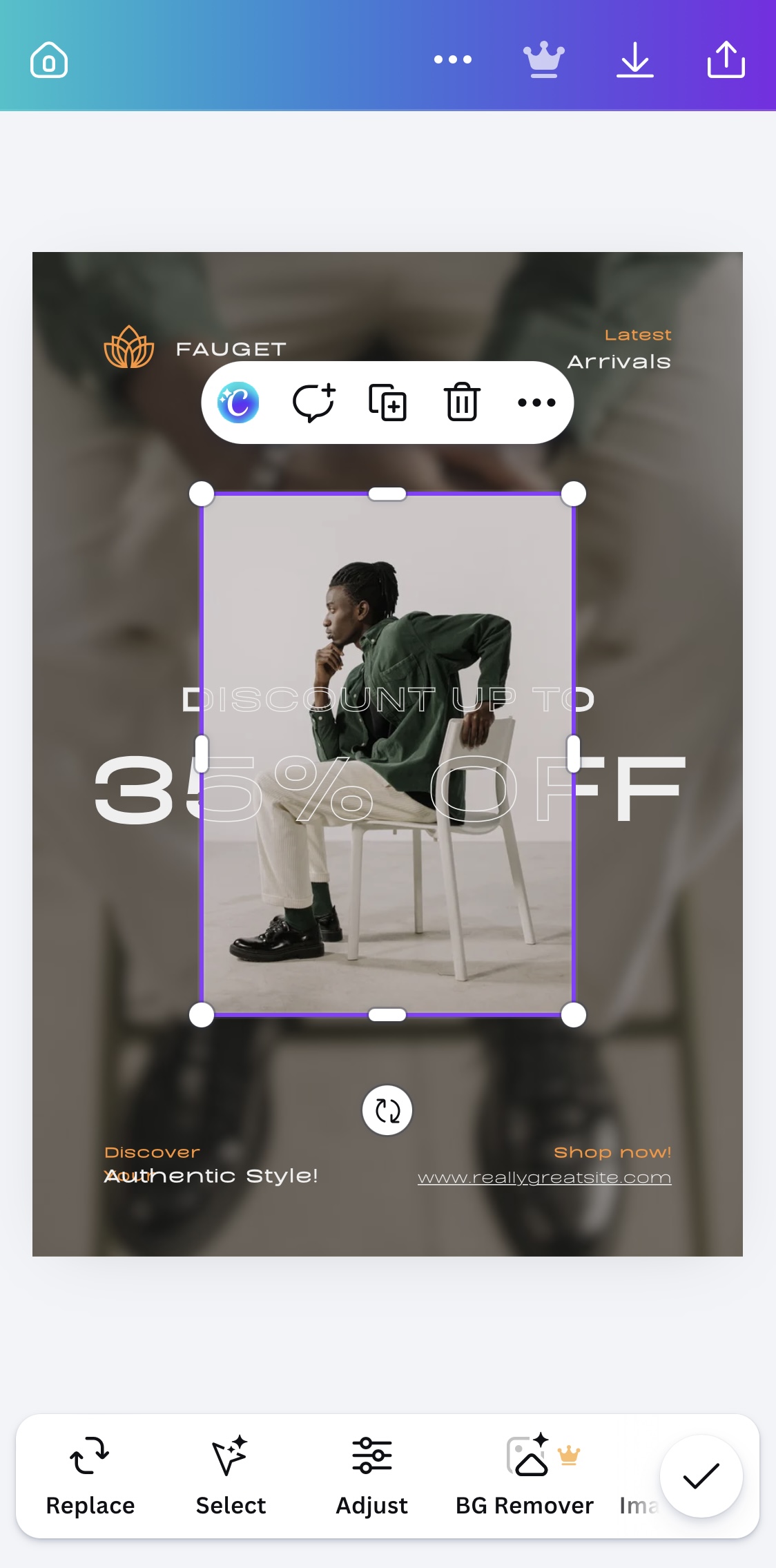
Most Canva templates come with stock photos already inside them. To replace one, tap on the image. Tap "Replace" or the image icon that appears. You can upload a photo from your phone, or search Canva's free photo library. For a church event, search "worship" or "congregation". For a food business, search "Nigerian food" or "jollof rice". Using relevant images makes your flyer look real instead of generic.
Create a flyer for a real upcoming event in your life — your school's next match, a friend's birthday, a family event, anything. Use the correct canvas size. Make sure the most important information (event name and date) is the biggest text on the page. Download and share it.