Your First Design
By the end of this lesson you will have created and downloaded your first real Canva design. A flyer. Made by you. In under 10 minutes.
Open Canva and search for a template
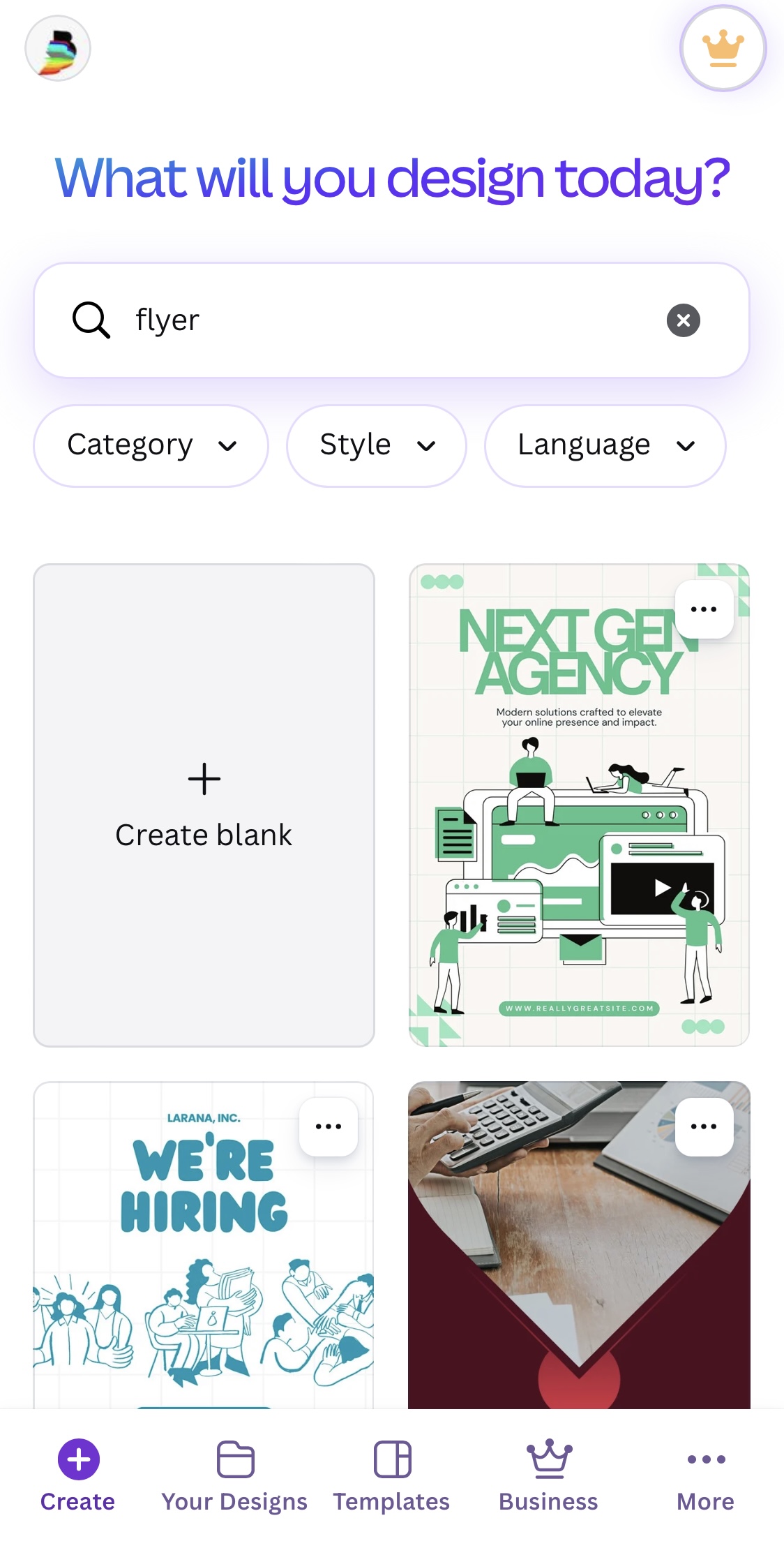
Open Canva and tap the search bar at the top. Type "flyer". You will see hundreds of free templates appear. Scroll through them. You are looking for one that is clean and simple — not too busy. Pick any one that catches your eye. Tap it to open it.
Change the text
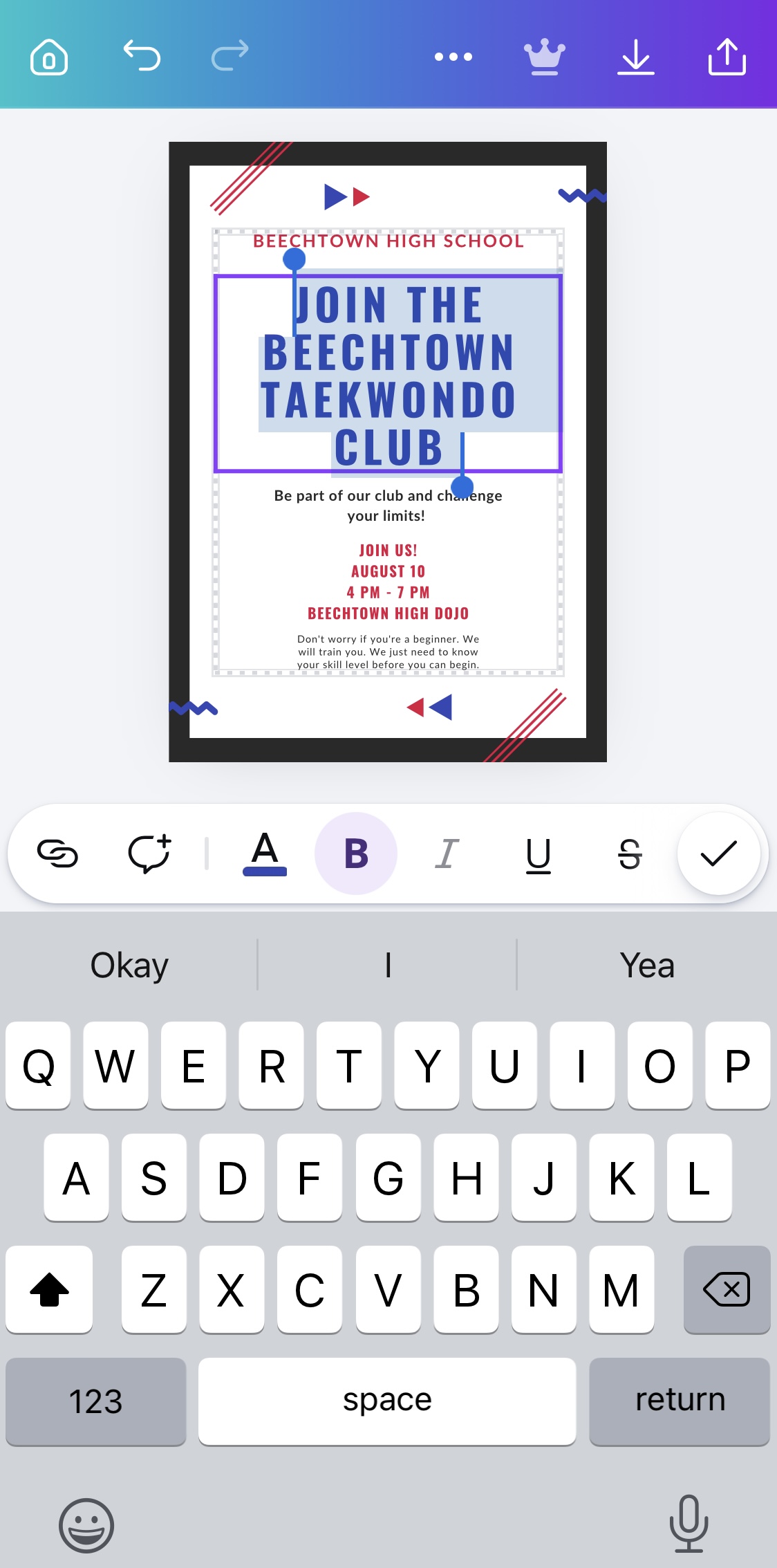
Tap on any text in the template. A keyboard will appear and the text becomes editable. Delete what is there and type your own words. For practice, make a flyer for your school's next inter-house sports event. Change the event name, the date, and the venue. Tap somewhere else on the screen when you are done with each text box.
Change the colours
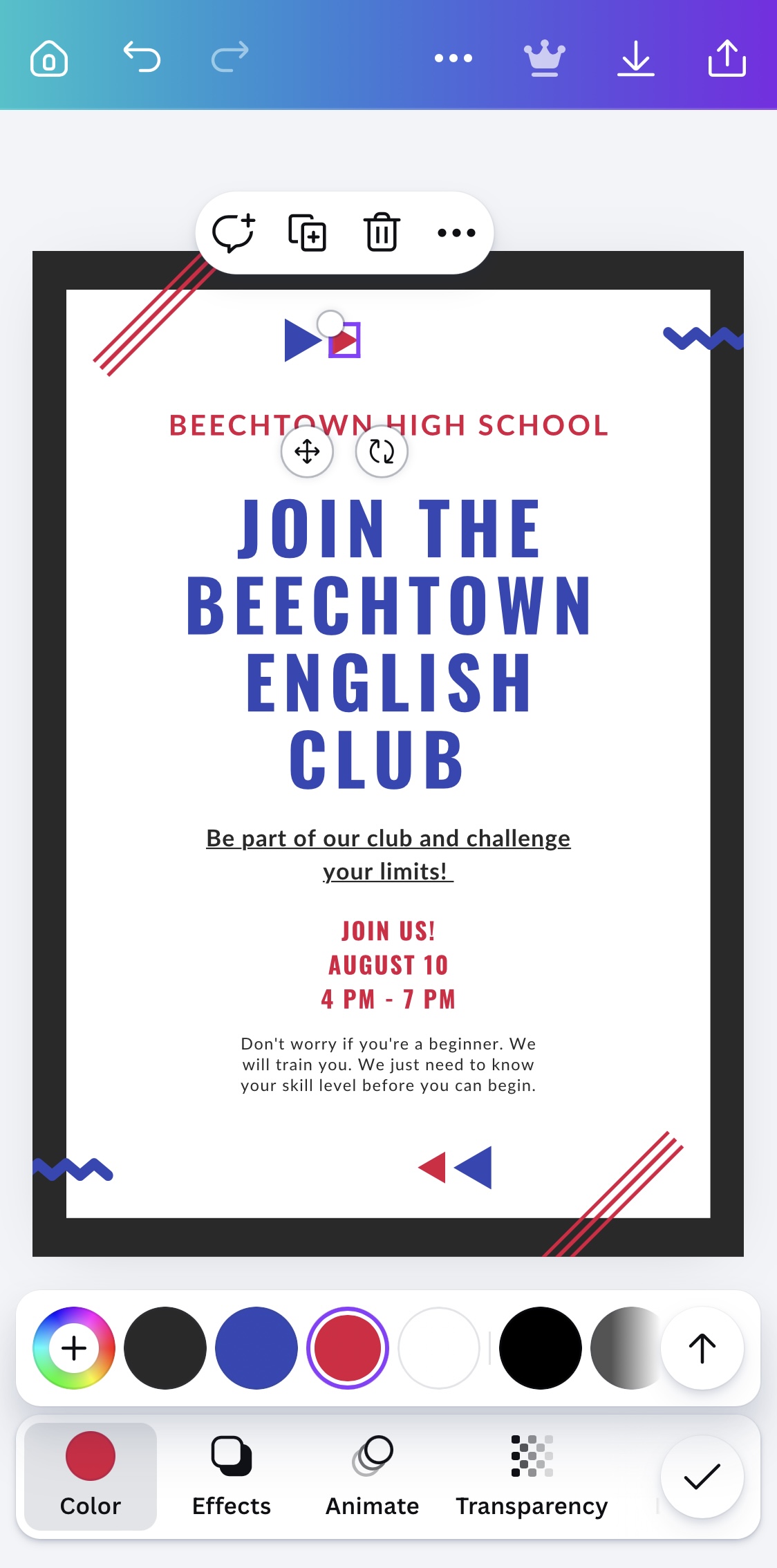
Tap on any coloured shape or background in your design. A small colour circle will appear at the top of the screen. Tap it to open the colour picker. Try changing the background to your school's colour. You will be surprised how fast the whole design changes feel just by changing one colour.
Download your design
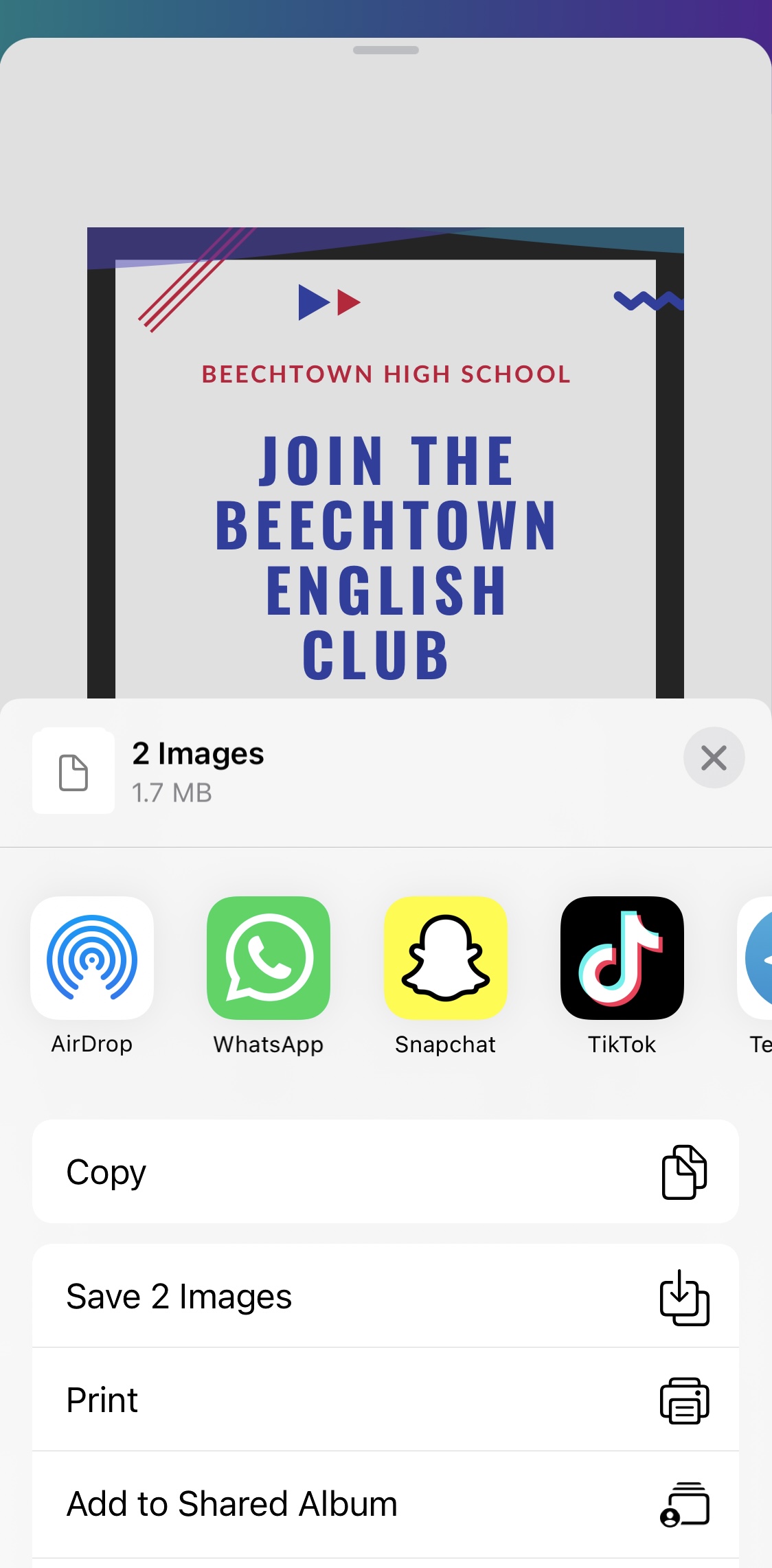
When you are happy with your design, tap the share icon at the top right of the screen. Tap "Download". Choose PNG format — this is best for sharing on WhatsApp and Instagram. Your design will save to your phone's gallery. That is it. You just designed something.
Make a flyer for a made-up Lagos event — a suya night, a fashion show, a church concert, anything. Change the text, change the colours, add your own details. Download it. Send it to yourself on WhatsApp. You are now a designer.